beezasport

Sold the car to buy a....
I know it's not the sharpest of images but not bad from a compact :) and i love the car!!
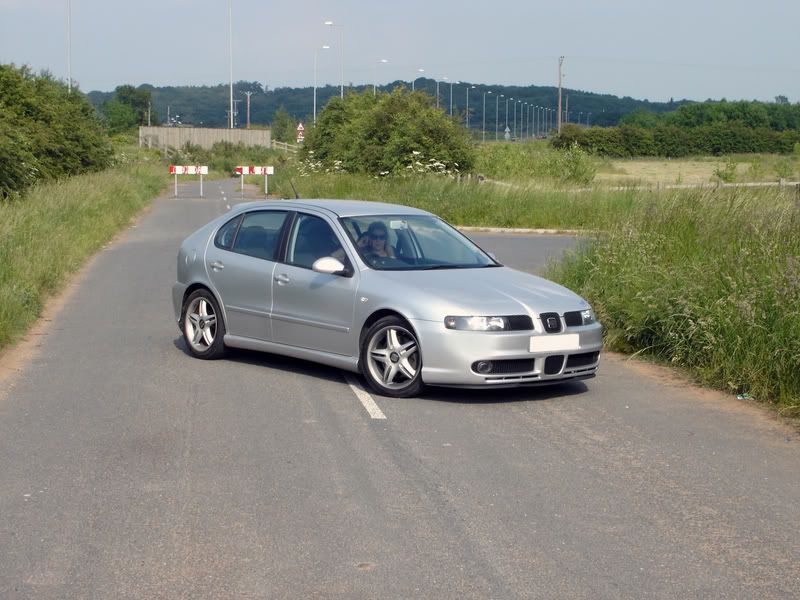
Is it possible to give it a computer generated look in photoshop?
DSC00111.jpg
 
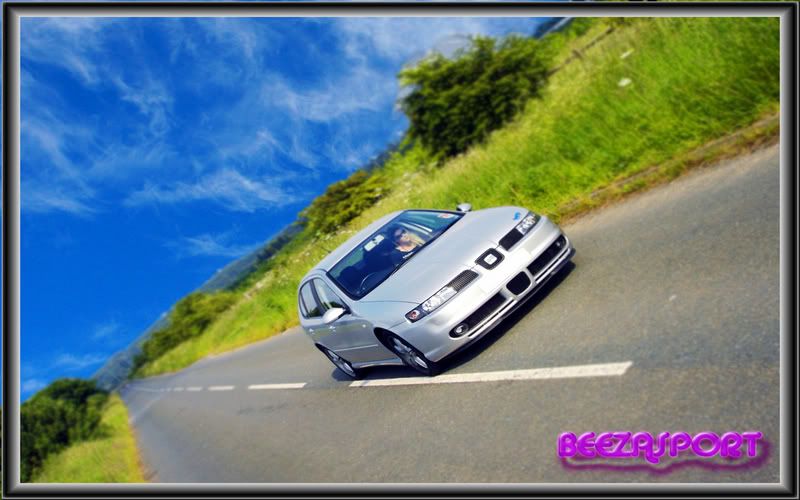
There are about 4 different curves layers of the background to get the effect I was after, the sky is shopped in from another image, and the car has had the contrast played with a little (and sharpened too). There is a 1280x960 image here but due to the small original, the car is a little "un sharp".
 
elDuke... I was just about to say a greyscale background with the car in colour would look superb! Nice work! :D

The only thing I'd do is make the edges of the picture a little darker. Burn them a little in PS possibly, just to give it a bit more depth.
 
Im guessing a magnetic lasoo on around the car, right click select inverse. Then desaturate background and deselect magnetic lasoo ? You could always try a lens flare here and there, they always make anything look a little more enhanced. Or sharpen edges, could even go as far as to despeckle the background too to make it look like film grain. I was doing some other photoshop work for someone and had a quick go with your car,

lcr.jpg
 
Last edited:
theres a much quicker way than that ^^^

just create a duplicate layer
remove colour
then bring the colour layer to the front
erase everything around the car and the black and white background will show through

much less fiddily than a lasso tool :D