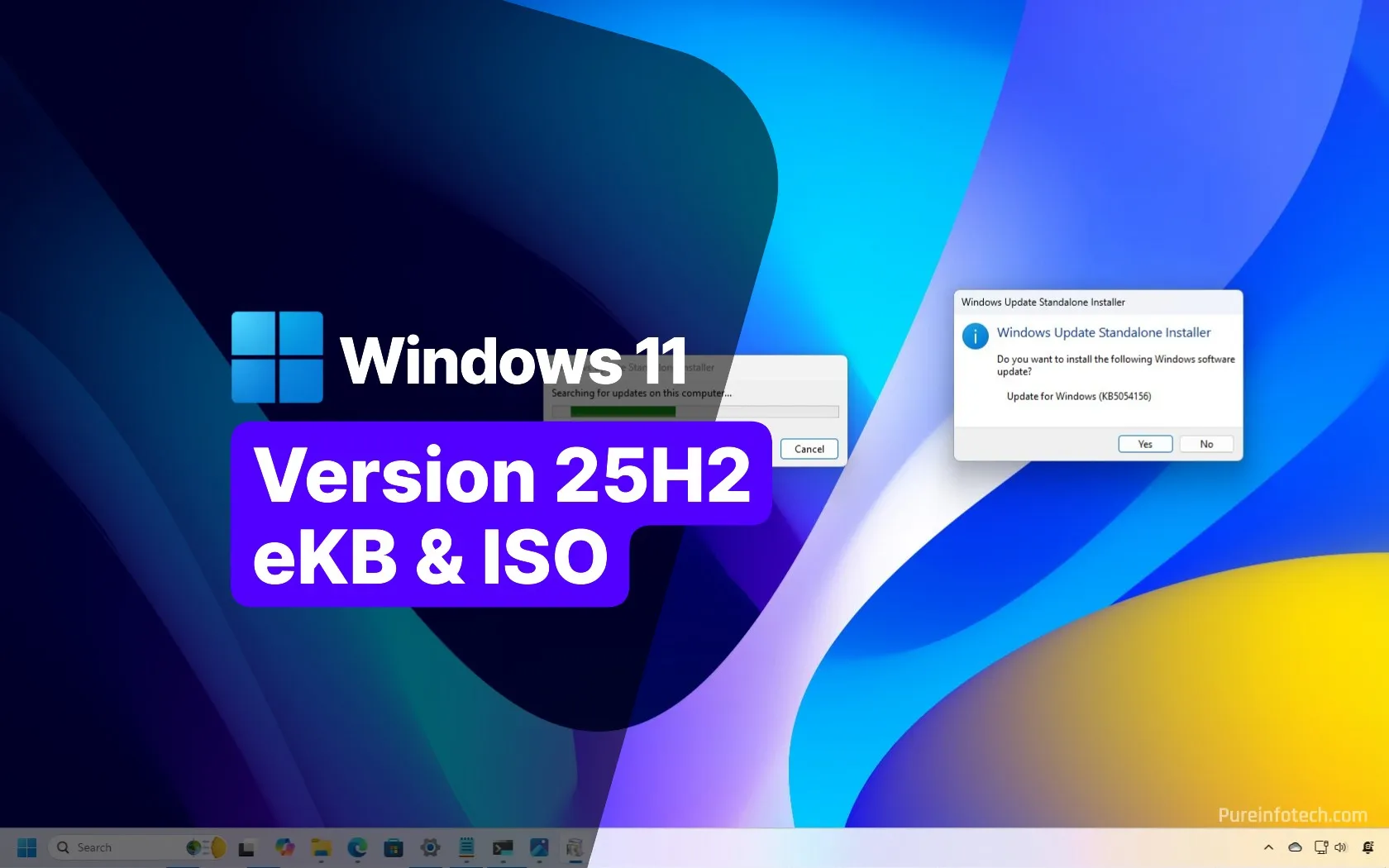
It's out and you can install it. Did it on two laptops. It's in the pre release test mode as those late month updates. If you follow the instructions and the servers are good. Slight 5 minute delay till you get enrolled.
You need to do the final step in the video else you'll get other builds for next year. Only select the bottom box of what you want from the development releases.
Got fed up with waiting for 25h2 and since it was on the final test build prior to release like the monthly test builds thought, blow it, will install it. Nothing shattering about 25h2. There isn't suppose to be.
Second lap top was moaning about the environment string. Googled it. Wouldn't allow me to accept the terms. Opened up the area and suddenly allowed me to accept the terms. First laptop was fine except it needs about 5 minutes to enrol you on the program and reboot then you see 25h2 being offered on a check for updates. Could be Microsoft servers get busy.
All good the launch release will magically appear as an update using the guys above instructions. Pre release till then.
As for putting it on unsupported machines using the iso, wait. The final iso isnt out and last year people on unsupported hardware got stuck on the wrong release. I found an iso but concluded I might end up like people last year with a development release unable to get off the release since it was unsupported hardware, catch 22. You got to wait for the official release of 25h2 to put it on unsupported hardware where the server method the same as last year will work. I'm waiting on that, then will edit the other thread for unsupported hardware.
You need to do the final step in the video else you'll get other builds for next year. Only select the bottom box of what you want from the development releases.
Got fed up with waiting for 25h2 and since it was on the final test build prior to release like the monthly test builds thought, blow it, will install it. Nothing shattering about 25h2. There isn't suppose to be.
Second lap top was moaning about the environment string. Googled it. Wouldn't allow me to accept the terms. Opened up the area and suddenly allowed me to accept the terms. First laptop was fine except it needs about 5 minutes to enrol you on the program and reboot then you see 25h2 being offered on a check for updates. Could be Microsoft servers get busy.
All good the launch release will magically appear as an update using the guys above instructions. Pre release till then.
As for putting it on unsupported machines using the iso, wait. The final iso isnt out and last year people on unsupported hardware got stuck on the wrong release. I found an iso but concluded I might end up like people last year with a development release unable to get off the release since it was unsupported hardware, catch 22. You got to wait for the official release of 25h2 to put it on unsupported hardware where the server method the same as last year will work. I'm waiting on that, then will edit the other thread for unsupported hardware.


 .
. .
. .
.

 . End the uncertainty and get a new set.