


Making hay here when the sunshines  . The release beta version of 26h2 was released on 27th August 2027. The beta version is an in place update to the final release. This may even be it. Otherwise called release pre view channel of the insider program. This can be used now to get onto the 26h2 update trail.
 blogs.windows.com
Unsupported hardware last years thread (below). This approach can be used when the ISO is released but requires a complete update savings existing files and apps. It can also also be used on supported hardware if you arent catching the update. Toggle install updates when available for that... keep that toggle on (the server method with the command):
 www.seatcupra.net
That was last year however at this point in time a slicker method can be used on unsupported and supported hardware (for supported hardware you csn join the insider program as an alternative)..... why its making hay when the sunshines for unsupported hardeare. Can only be used on 24h2, 25h2 and where the current release of Windows is either 26200.9278 and 26100.9278.
200 series is 25h2
100 series 24h2
300 series 26h2
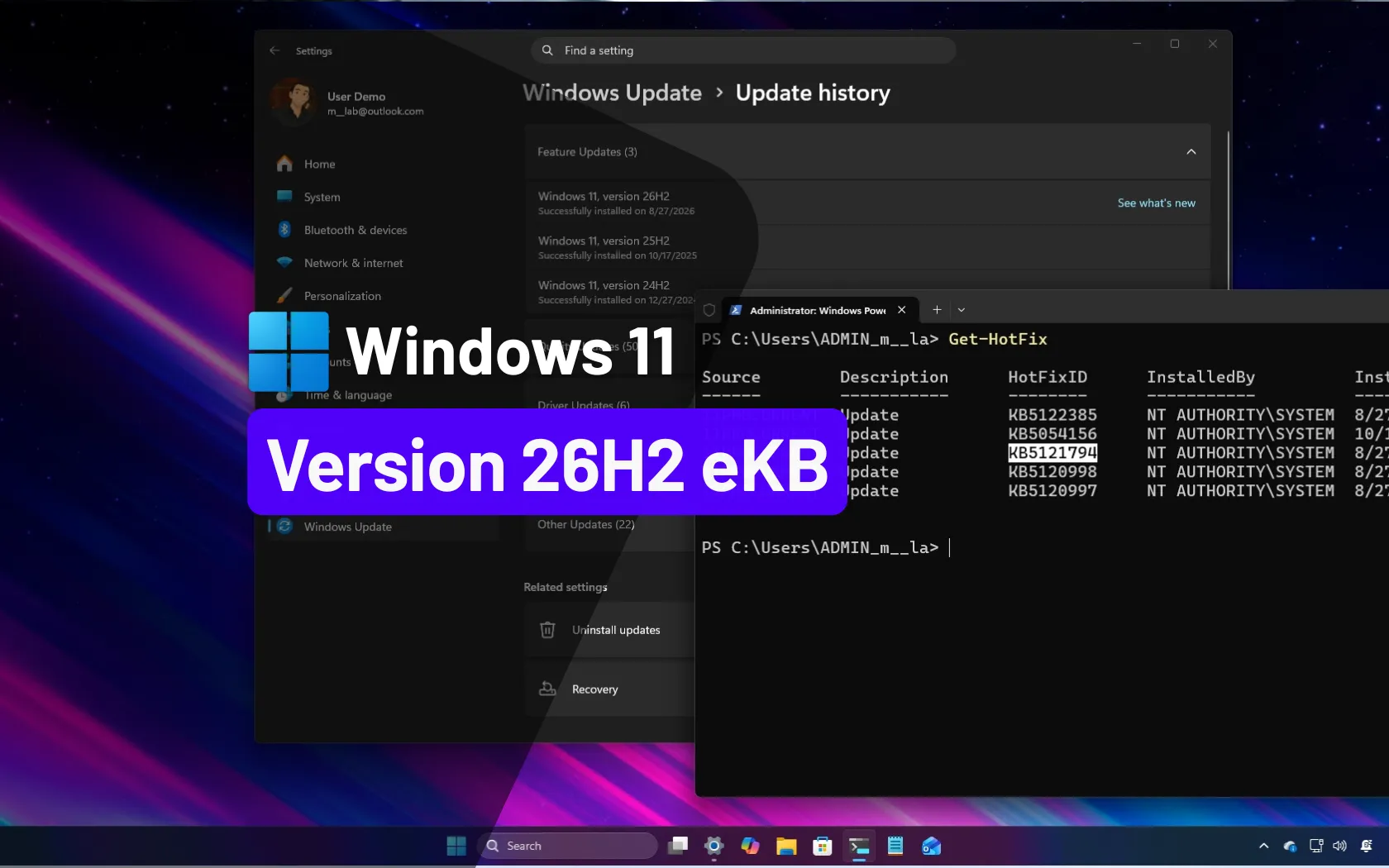
The method is covered here.
 pureinfotech.com
About the enablement package:
 techcommunity.microsoft.com
It does work. Currently if you have the toggle on the updates set to get now or words to that effect, if you arent on one of those two and haven't gone beyond it... hammering away at get updates a few times and a bit of time it may offer you the update (early Windows 11 September second Tuesday release available end of August is they). If past that number then there may be another solution. Possibly not, the release number may be held at that for a period or different enablement package release will be required. Not ssure. Current planetary alignment on 26200.9278 and 26100.9278 (25h2 and 24h2) to get 26h2 release preview 26300.9278 in an easy way and get onto the 26h2 upgrade path without using the ISO server method or Rufus.
Then as per the link (Pureinfotech) above you download the Enablement package selecting the one for the manufacturer of the processor in your device. Double click on the msu and off you go.
I did check using winver and there is no end date shown to 26h2 unlike other developer channel Insider releases which means this is the release version and won't be timed out. You have now switched escalators and on the 26h2 path on that unsupported hardware.
So that's the make hay whilst the sun shines solution alternatives if you want the update on unsupported hardware you have to use the server method which is the top link, but given the ISO hasn't been released yet that can't be done for a month or so. The sunshine method of the releases tallying will only be available for a month or so then one suspects another enablement package will be released or this one works, not clear at the minute.
Essentially 26h2 is sitting dormant in later releases of 24h2 and 25h2 until toggled on. Running the MSU does that. Windows system "about" will show you it's updated.... right two more years on unsupported hardware keeping tip waste down 🗑 .
There are some minimum specs for Windows 11 on unsupported hardware. You need 16gb of ram and an SSD ideally else it thrashed around in memory and hard disk. At least two cores on the processor.
The other minimum specs can be ignored if the "server method" is used as per the link above or this migration approach. Microsoft keeps the server method in their installation for IT server applications hence "server method". That hardware doesnt meet the consumer standard so falls into the unsupported category. Obviously business will not throw out good hardware. The Rufus method isn't required if you use the server method. Clear as a bell then enablement package method covered here mimics what would happen on supported hardware so the more tedious server approach isn't used, but releases must allign and the relevant enablement package used.
I upgraded a 2012 HP Intel tower units for Windows 10 switching the memory it came with to 16gb and cloning the hard drive to a Samsung 1tb SSD. So it went in its life from Windows 7, 10 and 11. Quite happy to run on Windows 11 as an office computer.
A second one a bespoke photographic PC with a drive bay tower thingy and an Asus motherboard I applied the same treatment. That one is happy to run light room which is its main use. I had been forbidden from touching that PC untill the owner accepted that using a hard drive to run Windows 11 on was daft. I got tired of hearing the HD thrashing about in the next room. Bump, bump, bump. Vibrating the floor boards. Cloned the main hard drive using Samsung SSD. Comes with cloning software using a drive dock. You then swap out the hard disk for the SSD. Painless process if you have a drive dock or plug the SSD into spare socket and power line for the process. You might also need a usb3 board which is what I did with mine. You need a usb3 connection for the ssd. If short of drive space you can buy a plastic mount that holds the SSD that has no pins that plugs into the motherboard. The Asus motherboard had a USB3 out on it but the 2012 HP board didnt. Generally you want to ditch hard drives as main storage these days.
On Windows 11 releases:

 en.wikipedia.org
The release preview which gets updated automatically into the final release is what is being installed on this post 26300.9278 which will get escalated subsequently automatically on each update.
More information is here but not so illusive:
 www.elevenforum.com
Basically with the enablement package you can get the beta release of 26h2 without being an Insider which you can't be on unsupported hardware since it wont let you. For supported hardware you can register as an insider and just get it or use the method. Once on the beta it will then upgrade to the final once released, supported or unsupported. These "annual feature" updates are offered on supported hardware, unsupported you have to instigate the process yourself. Within year normal updates come through the same monthly or twice monthly if you toogle on get now. Gives you the beta release of the monthly production release timed at the end of the month. Second Tuesday after 8pm BST the production release.
If you read the Reddit comments that's about it:
27h2 promises to be more traumatic .
.
Do back up the hardware before any upgrade and of course the pre release could have bugs. I had been testing the 220 series of 25h2 for 25h2//26h2 for sometime without issue so was happy to take the plunge.
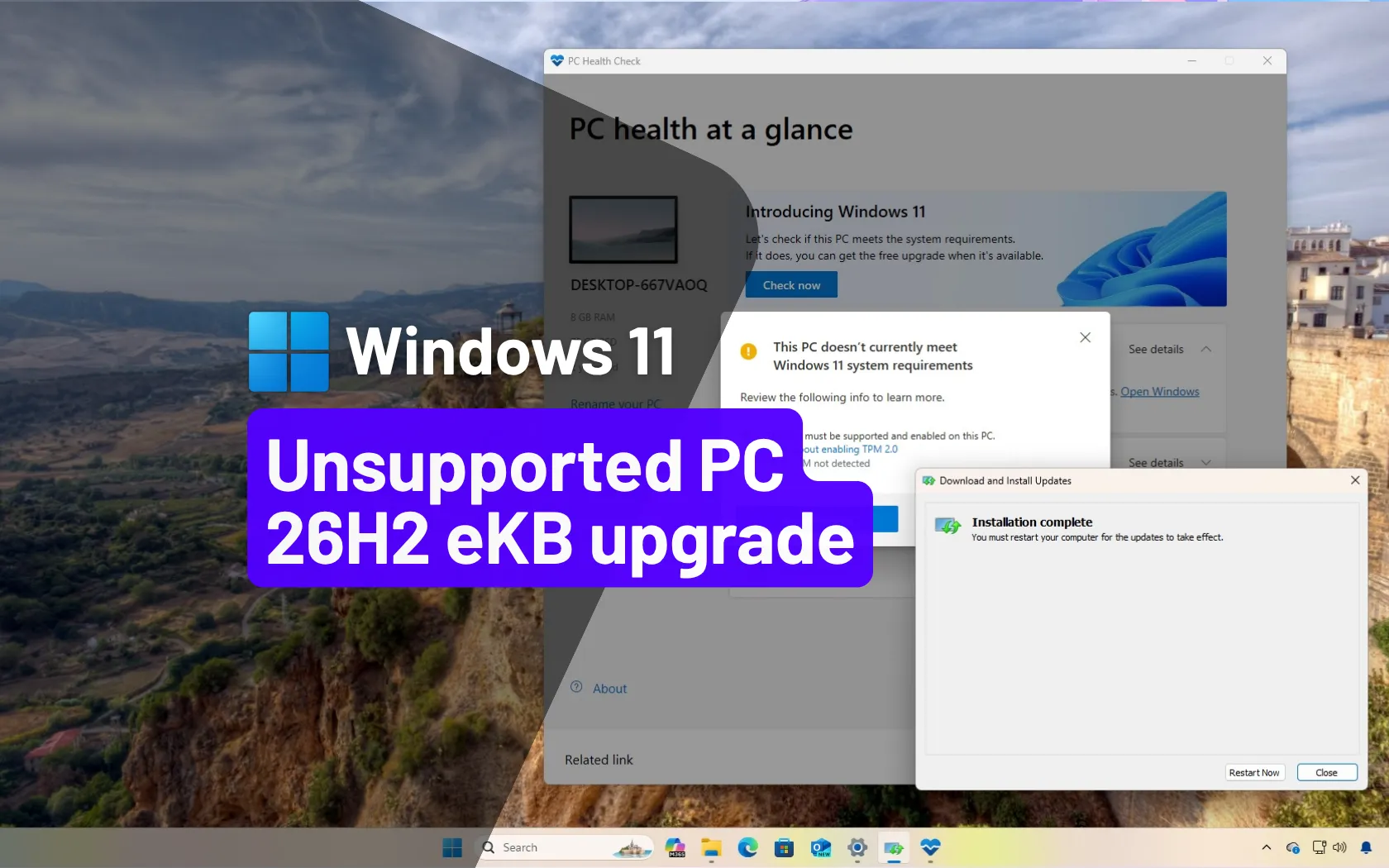
Yet more reading here if that wasn't enough.... the guy has put another page specific to unsupported hardware but as we know it covers supported and unsupported:
 pureinfotech.com
& that enablement package is shipped to hardware manufacturers as a finished product so will be good for any builds including and above on 26200.9278 and 26100.9278 (Windows 11 and 10)... so I've read.
Footnote 1.
Second Tuesday of September came. The unsupported hardware incremented from 26300.9278 to 26300.9445. Which was fine.
The supported hardware also did the same but then shipped to a higher beta test release the next day because they were registered to the Insider programme. If you run the enablement package on supported hardware without being in the Insider programme you should get the same effect. So if you dont want to be on the Insider programme but want the feature update enabled early on these, thats the way to do it.
Similar to 25h2 last year beta testing installation of the early release on the Insider programme will / may take you off on a path which may give some fun to get off later. How Microsoft assigns you on the Insider programme. They made a mess at one point in the year. Option on that you dont want to touch like 26h1 which is experimental.
. The release beta version of 26h2 was released on 27th August 2027. The beta version is an in place update to the final release. This may even be it. Otherwise called release pre view channel of the insider program. This can be used now to get onto the 26h2 update trail.
Releasing Windows 11, version 26H2 to the Release Preview Channel
[Update 31 August 2026: ISOs are now available] Hello Windows Insiders! Today, we are making this year’s annual feature update, Windows 11, version 26H2 (Build 26300.9278), available in the Release Preview Ch
blogs.windows.com
Unsupported hardware last years thread (below). This approach can be used when the ISO is released but requires a complete update savings existing files and apps. It can also also be used on supported hardware if you arent catching the update. Toggle install updates when available for that... keep that toggle on (the server method with the command):
Windows 11 21H2/22H2/23H2/24H2/25H2 Upgrade on unsupported 64bit hardware - link
It's that time again with Windows 11 unsupported hardware. The annual release is out 22H2 so to do it you have to do the workaround. This changed from the one I put up last year, although there are others which got you from Windows 10 to Windows 11. Last years link...
www.seatcupra.net
That was last year however at this point in time a slicker method can be used on unsupported and supported hardware (for supported hardware you csn join the insider program as an alternative)..... why its making hay when the sunshines for unsupported hardeare. Can only be used on 24h2, 25h2 and where the current release of Windows is either 26200.9278 and 26100.9278.
200 series is 25h2
100 series 24h2
300 series 26h2
The method is covered here.
Windows 11 26H2 is now available to download as a final enablement package
KB5121794 download as the Windows 11 26H2 enablement package for x64 or ARM64 and learn which update your PC needs before upgrading from 24H2 or 25H2.
pureinfotech.com
About the enablement package:
What is an enablement package? | Microsoft Community Hub
An enablement package is a small update that activates features or functionality that are already present on a device but currently dormant. Think of it as a...
techcommunity.microsoft.com
It does work. Currently if you have the toggle on the updates set to get now or words to that effect, if you arent on one of those two and haven't gone beyond it... hammering away at get updates a few times and a bit of time it may offer you the update (early Windows 11 September second Tuesday release available end of August is they). If past that number then there may be another solution. Possibly not, the release number may be held at that for a period or different enablement package release will be required. Not ssure. Current planetary alignment on 26200.9278 and 26100.9278 (25h2 and 24h2) to get 26h2 release preview 26300.9278 in an easy way and get onto the 26h2 upgrade path without using the ISO server method or Rufus.
Then as per the link (Pureinfotech) above you download the Enablement package selecting the one for the manufacturer of the processor in your device. Double click on the msu and off you go.
I did check using winver and there is no end date shown to 26h2 unlike other developer channel Insider releases which means this is the release version and won't be timed out. You have now switched escalators and on the 26h2 path on that unsupported hardware.
So that's the make hay whilst the sun shines solution alternatives if you want the update on unsupported hardware you have to use the server method which is the top link, but given the ISO hasn't been released yet that can't be done for a month or so. The sunshine method of the releases tallying will only be available for a month or so then one suspects another enablement package will be released or this one works, not clear at the minute.
Essentially 26h2 is sitting dormant in later releases of 24h2 and 25h2 until toggled on. Running the MSU does that. Windows system "about" will show you it's updated.... right two more years on unsupported hardware keeping tip waste down 🗑 .
There are some minimum specs for Windows 11 on unsupported hardware. You need 16gb of ram and an SSD ideally else it thrashed around in memory and hard disk. At least two cores on the processor.
The other minimum specs can be ignored if the "server method" is used as per the link above or this migration approach. Microsoft keeps the server method in their installation for IT server applications hence "server method". That hardware doesnt meet the consumer standard so falls into the unsupported category. Obviously business will not throw out good hardware. The Rufus method isn't required if you use the server method. Clear as a bell then enablement package method covered here mimics what would happen on supported hardware so the more tedious server approach isn't used, but releases must allign and the relevant enablement package used.
I upgraded a 2012 HP Intel tower units for Windows 10 switching the memory it came with to 16gb and cloning the hard drive to a Samsung 1tb SSD. So it went in its life from Windows 7, 10 and 11. Quite happy to run on Windows 11 as an office computer.
A second one a bespoke photographic PC with a drive bay tower thingy and an Asus motherboard I applied the same treatment. That one is happy to run light room which is its main use. I had been forbidden from touching that PC untill the owner accepted that using a hard drive to run Windows 11 on was daft. I got tired of hearing the HD thrashing about in the next room. Bump, bump, bump. Vibrating the floor boards. Cloned the main hard drive using Samsung SSD. Comes with cloning software using a drive dock. You then swap out the hard disk for the SSD. Painless process if you have a drive dock or plug the SSD into spare socket and power line for the process. You might also need a usb3 board which is what I did with mine. You need a usb3 connection for the ssd. If short of drive space you can buy a plastic mount that holds the SSD that has no pins that plugs into the motherboard. The Asus motherboard had a USB3 out on it but the 2012 HP board didnt. Generally you want to ditch hard drives as main storage these days.
On Windows 11 releases:
Windows 11 - Wikipedia
The release preview which gets updated automatically into the final release is what is being installed on this post 26300.9278 which will get escalated subsequently automatically on each update.
More information is here but not so illusive:
Windows 11 Insider Release Preview build 26300.9278 (26H2) - Aug. 27
UPDATE 9/10: https://www.elevenforum.com/t/kb5124010-windows-11-insider-rp-build-26100-9539-24h2-26200-9539-25h2-and-26300-9539-26h2-sept-10.49360/ Windows Insider Blog: Hello Windows Insiders! Today, we are making this year’s annual feature update, Windows 11, version 26H2 (Build 26300.9278)...
www.elevenforum.com
Basically with the enablement package you can get the beta release of 26h2 without being an Insider which you can't be on unsupported hardware since it wont let you. For supported hardware you can register as an insider and just get it or use the method. Once on the beta it will then upgrade to the final once released, supported or unsupported. These "annual feature" updates are offered on supported hardware, unsupported you have to instigate the process yourself. Within year normal updates come through the same monthly or twice monthly if you toogle on get now. Gives you the beta release of the monthly production release timed at the end of the month. Second Tuesday after 8pm BST the production release.
If you read the Reddit comments that's about it:
27h2 promises to be more traumatic
.Do back up the hardware before any upgrade and of course the pre release could have bugs. I had been testing the 220 series of 25h2 for 25h2//26h2 for sometime without issue so was happy to take the plunge.
Yet more reading here if that wasn't enough.... the guy has put another page specific to unsupported hardware but as we know it covers supported and unsupported:
Windows 11 26H2 can upgrade unsupported PCs without a reinstall, and here's why it works
Upgrade an unsupported Windows 11 PC from 24H2 or 25H2 to 26H2 using the eKB without reinstalling or third-party tools.
pureinfotech.com
& that enablement package is shipped to hardware manufacturers as a finished product so will be good for any builds including and above on 26200.9278 and 26100.9278 (Windows 11 and 10)... so I've read.
Footnote 1.
Second Tuesday of September came. The unsupported hardware incremented from 26300.9278 to 26300.9445. Which was fine.
The supported hardware also did the same but then shipped to a higher beta test release the next day because they were registered to the Insider programme. If you run the enablement package on supported hardware without being in the Insider programme you should get the same effect. So if you dont want to be on the Insider programme but want the feature update enabled early on these, thats the way to do it.
Similar to 25h2 last year beta testing installation of the early release on the Insider programme will / may take you off on a path which may give some fun to get off later. How Microsoft assigns you on the Insider programme. They made a mess at one point in the year. Option on that you dont want to touch like 26h1 which is experimental.
Last edited:


