Good day, I'm a new member of the forum. I landed here after trying to update my Seat Alhambra 7N MIB2 cards on the SD card to the latest 2025/2026 releases from mib-helper. I have the same problem, that the navigation system says "No navigation data available" after I inserted the SD card with the updated contents (of course unpacked the 7z file beforehand). There is not metainfo2.txt file in the root in the downloaded archive. I also tried copying over the old one but in vain.
Do I understand this correctly, that I need to update my software train or add additional FECs to my MIB2 this time, before I can use the latest map updates? I never had to do anything like that in the past, just downloading the files, writing to SD card and voila!
I have updated my software train to 478 early this year, due to the 0:00/6:28 headunit clock bug.
What is needed now exactly so I can use the update on my older Alhambra please? Is it compatible at all? I have the MIB2 with 2 SD card slots right in the unit (I think it's the Technisat model). Do I need a software update for the navigation system itself?
I've also tried the links from the briskoda.net forum with the same result.
I suspect you didn't follow the workaround instructions and lost your overall.nds file (all is not lost if that happens). Using the one on the download rather than the one you had. Mib2 Helper doesn't take into accounts the wrinkles of the Seat mib2 standard. If its not that you may have reformatted the card rather than deleting the contents. That operation can change the sector size of the card then it refuses to read the card or at worst corrupt the card. In the later case you need a new card bought off a reliable ebay seller any Vag mib2 card.
First things first you need the resource and the section
This resource is applicable to all Seat navigation systems plus other Vag brands which are MIB2 / 2.5. It is built from the knowledge base on the Leon forum from a long running thread which has the advantage of tracking the twists and turns over...

www.seatcupra.net
The section is headed "workaround" and gives you the 1-12 steps. Now if you swiped the card clean without taking a copy of the overall.nds file read this section that is below.
Lost, Stolen and Missing Cards from a Mib2 Standard Unit
It gets you to an all encompassing overall.nds that is good for all releases if you happen to delete the matching one with the original card. Basically a navigation FeC is generated when the original card was put in the unit. Changing map cards on a latter release without updating the FeC going forwards wont work. However back in 2017 it was discovered by one poster that moving that file retains the units ability to be updated. Posters on the board called it the "workaround". It generates another FeC which is the new FeC. Causes a bit of confusion but has a happy end. Method is down to Stefan / Exciter. That confusion leads to the unit generating a scan error which is harmless which you can't get rid off by clear errors on a coder. All units have this marker in them which there will be a lot.
Now when you accidentally loose your original overall.nds file and become stuck the solution in that post uses another facility of the design. Maps can be "downgraded" with the navigation FeC system. Using that "save all" file leads to the unit thinking its been paired with a v1 map. The workaround then goes into play as per the steps above and all is good.
Generally when changing map cards you force a reboot by the long press on the on / off switch. There is that 20 minute window where it retains what is read. Swapping the map cards within the 20 minute window means it is still set up on the old maps. Good practice of a map update using the workaround is to force a reboot but that wont help if you havent done the workaround.
That just leaves us with whether reformatting the card rather than just deleting the contents has changed the cluster size. That should be set back to 4096 bytes. That's the size for the original 16gb Vag card. The unit's aren't PCs so aren't happy with the cluster size being grossly changed. Some formatting programs do that these days. But you should never reformat, just do a delete. The protected area of the card that contains the CID can get swiped if the cluster size is changed.
If the SD card is corrupted then you have to buy a new one from a reliable seller. It has been known that reformatting rather than just doing a delete all entries on it leads to a corrupted card.
BTW there is one overall.nds file that you look for as per above. Some people in the past don't follow the steps. If it says overall.nds in a different directory other than the one named ... no. Some people dont know the difference between files and directories so end up changing all files in that step named. No. Just the file.




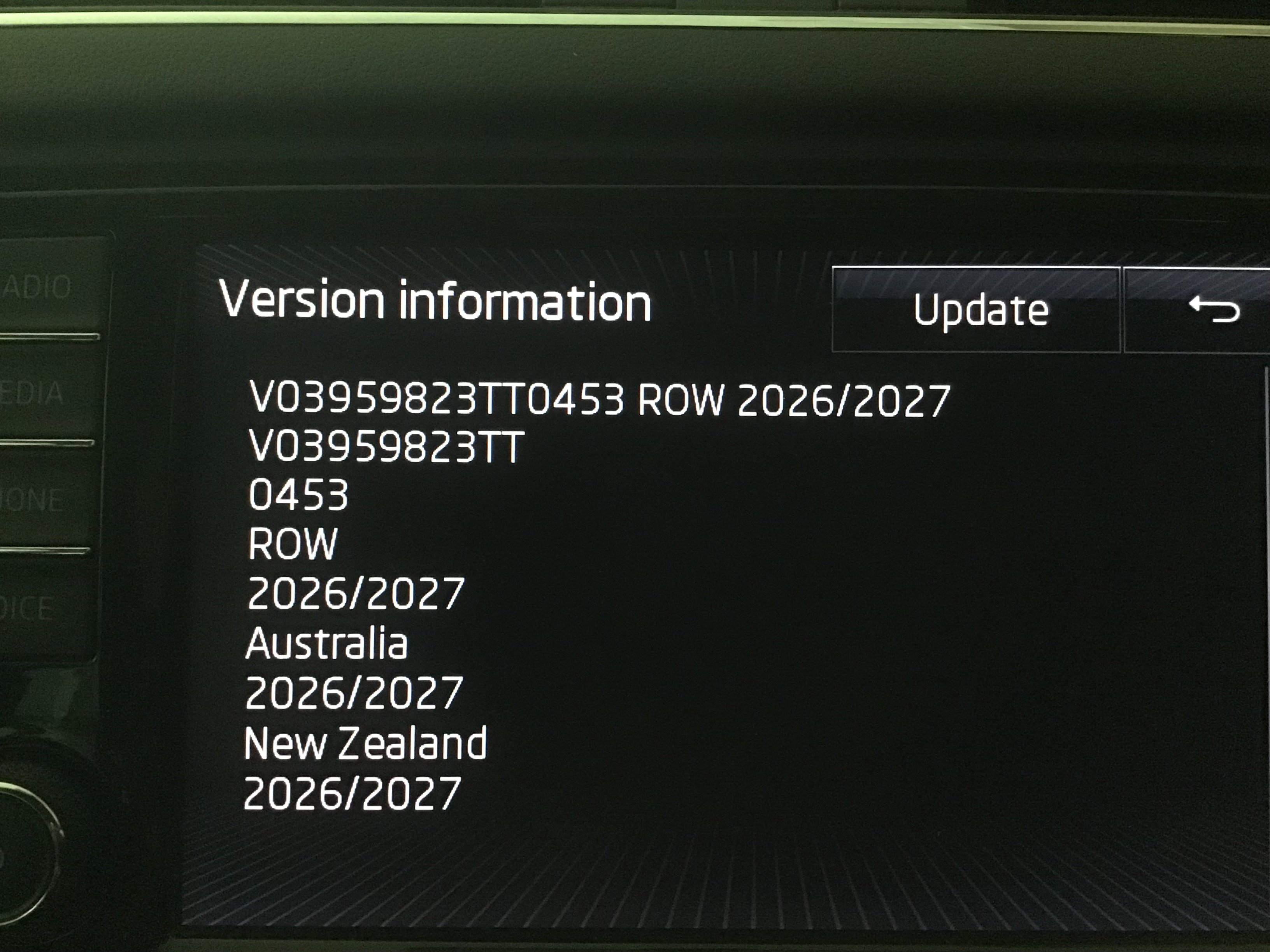
 www.briskoda.net


 It's possible it might switch to just Audi in the future you never know.

 . They had recognisable names in them for map file attributes but not as we know them. Eggnog etc. Mib2 high but not in the mib2 high file layout that we known. Conceivable you might have a format that never caught on outside Audi on the other brands.


